Your cart is currently empty!
Category: White papers
-

-
Moku:Pro’s Phasemeter
Moku:Pro’s Phasemeter measures phase (relative to a reference clock) of up to four input signals with better than 6 μradian precision from 1 kHz up to 300 MHz. Based on a digitally implemented phase-locked loop architecture, Moku:Pro’s Phasemeter provides exceptional dynamic range, zero deadtime, and measurement precision that exceeds the performance of conventional lock-in amplifiers…
-

Access Your Lab from Anywhere with Moku:Lab Remote Access
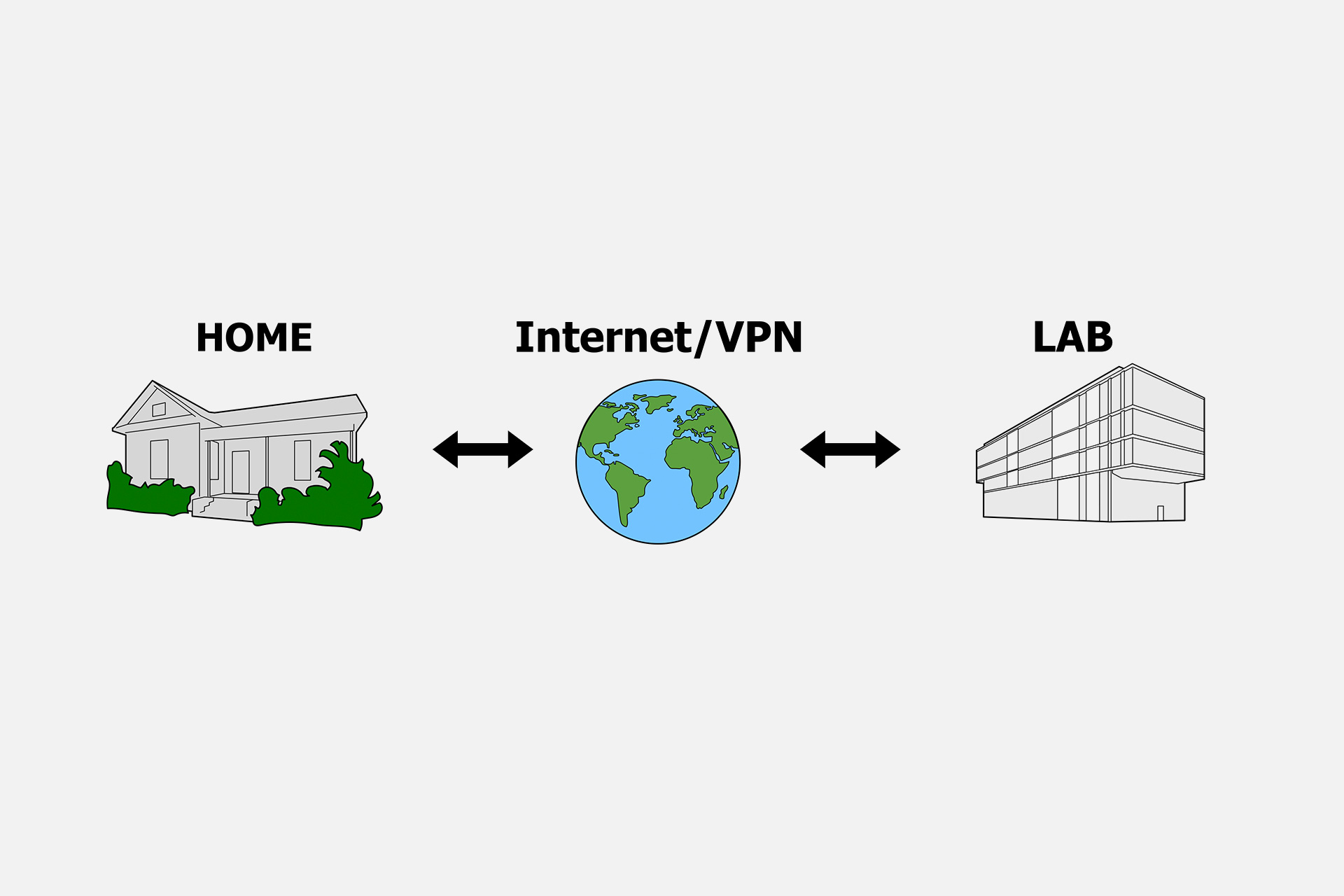
Overview Working from home and limited lab access are hurdles most of us are navigating now. We have worked to take Moku:Lab’s remote capabilities a step further. Not only can you monitor your data anywhere in the lab, but now you can have full access to your experiments from home with remote access. This is…
-
Introduction to the Moku:Lab Spectrum Analyzer
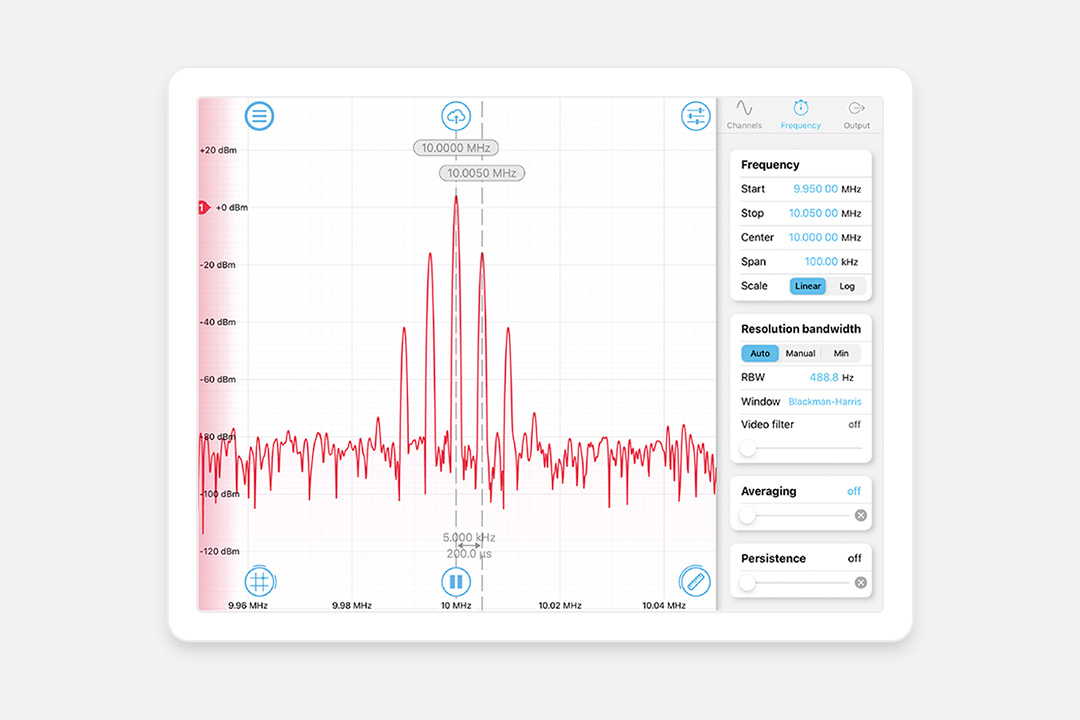
Updated April 24, 2023. Spectrum analyzers are essential test and measurement instruments in the lab. They are used to display and analyze signals in the frequency domain. Compared to the Fast Fourier Transform (FFT) function available in some oscilloscopes, frequency-swept spectrum analyzers typically provide better spectral resolution while maintaining a large frequency span. However, spectrum…
-
Moku:Lab Network Status
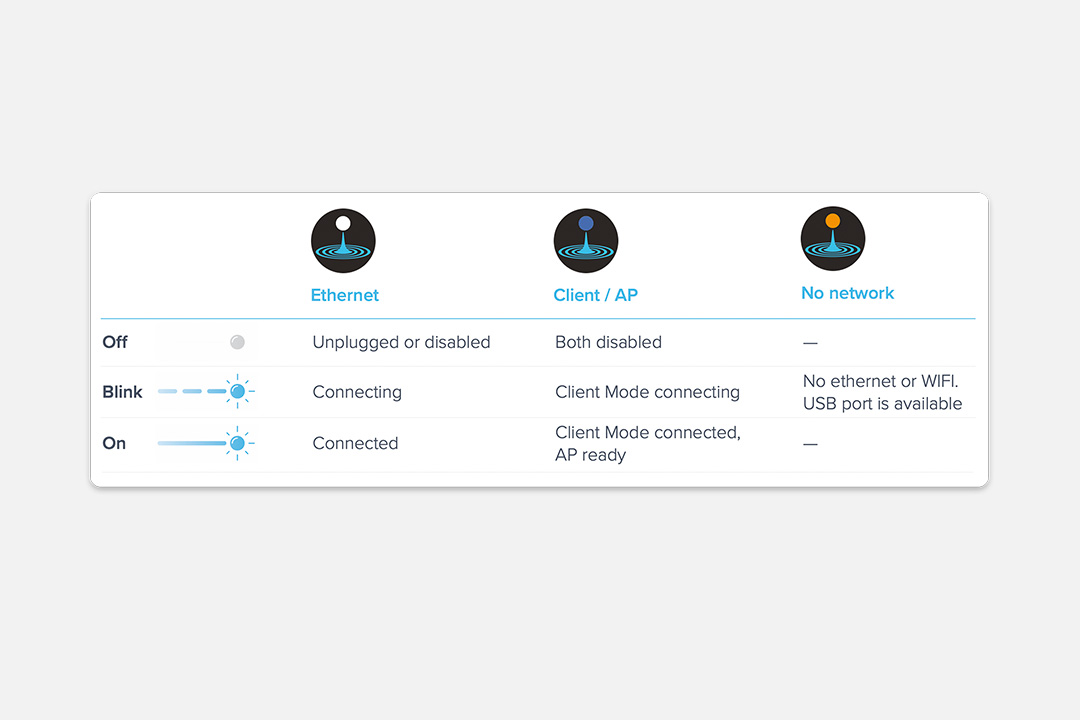
[hubspot_cta id=”48d3cda3-c369-4473-ab1a-c2cd1e31d3dd” load=”3954510″] Network status Once Moku:Lab is fully booted, the front LED light represents the current network status. The blue LED represents both the on-board Wi-Fi access point (AP) and Wi-Fi client mode (join an existing Wi-Fi) status. The white LED represents the ethernet connection status. The LEDs blink when Moku:Lab tries to join…
-
iPad App Touch Points
[hubspot_cta id=”766b6700-ac5b-47ba-84e9-258add06ae1f” load=”3954510″] Show touches on the iPad In some scenarios like a classroom environment, you may want to display your screen touches and gestures within the Moku:Lab iPad App for demonstration purposes. To enable this feature: Launch the iPad app and tap the question mark icon on the bottom left corner. Please note that…
-
-
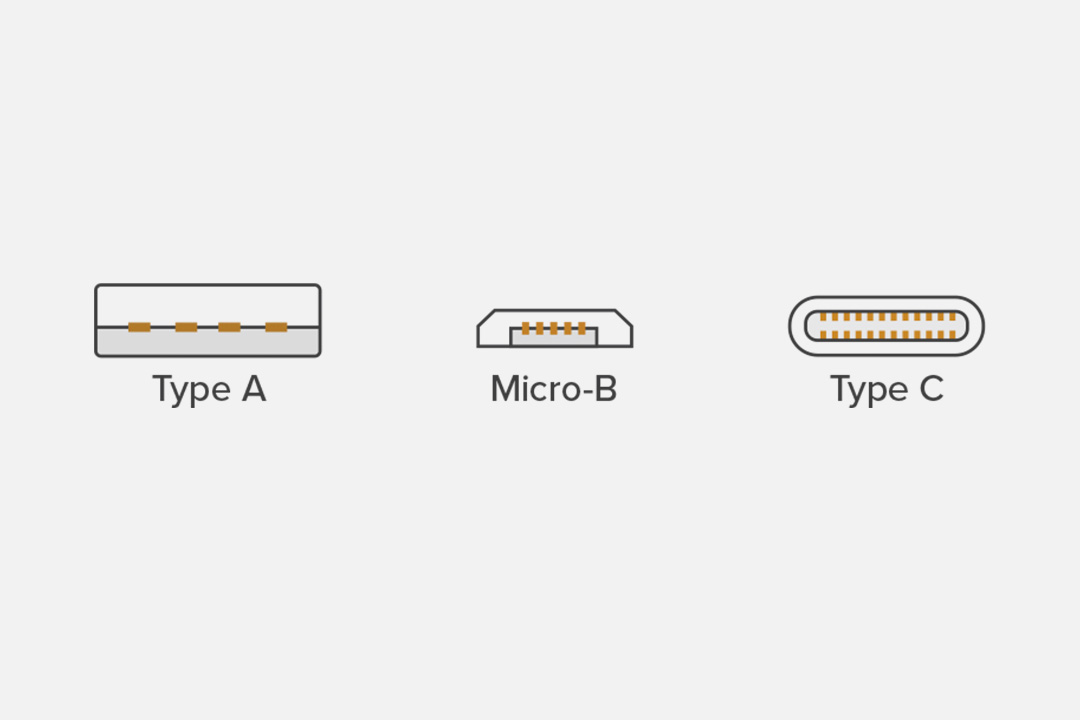
Using Moku:Lab via USB
There are some situations, for example in a restricted lab environment or for radio interference reasons, where you may wish to use Moku:Lab without Wi-Fi or ethernet. This application note explains how to connect an iPad or PC to Moku:Lab via wired, USB connection. No wireless or wired ethernet network is required. [hubspot_cta id=”a5026897-16f6-4163-a24e-3b49289d1bf5″ load=”3954510″]…